
%20(1).png)
Wix makes launching a webstore simple, accessible, and easy, but an online storefront on its own isn't enough to power a growing business. Once orders start coming in at more serious volumes, you inevitably begin running into things Wix can't do on its own: reaching shoppers on third-party marketplaces, sending automatic abandoned-cart emails, collecting product reviews that also show up on Google. To do these things and more, you'll need to find a Wix app that connects to your Wix store.
This guide walks through seven Wix apps for ecommerce stores, explains what each one does, and goes over how it helps your business. By the end, you'll be familiar with the best Wix extensions for ecommerce, understand how to choose apps that align with your selling goals, and know how to avoid cluttering your site with overlapping tools that do more harm than good.
Key Takeaways
- The Wix App Market has over 800 apps, with 260+ built for ecommerce jobs like marketing, reviews, and selling on more channels.
- Wix Stores is a free app, and is the foundation every Wix store runs on. It handles the basics of a webstore, like product pages, checkout, payments, and order management.
- Wix Store's built-in multichannel selling capabilities offer integration with major marketplaces like eBay and Amazon. For more niche sales channels like Mercari, Poshmark, or Vestiaire Collective, crosslisting plugins like ExportYourStore are necessary.
- Pick apps that match your selling goals, and avoid installing apps with identical or significantly overlapping functionality.
What Are Wix Apps & Why eCommerce Stores Need Them
Wix apps are add-ons you install onto your Wix site to give it abilities it doesn't have out of the box. Some are made by Wix itself, like Wix Stores and Wix Reviews, and others come from third-party developers. You can install apps via the App Market, which holds over 800 of them (of which more than 260 are aimed at ecommerce-specific tasks), or download them directly from a trusted developer. Most apps are free to install or offer a free tier or trial you can start on before paying.
Wix users (for ecommerce or anything else) use apps to expand the functionality of their Wix site. In fact, Wix Stores is a Wix app in and of itself, one that gives a Wix site basic ecommerce functionality. But while Wix Stores handles the basics of selling well, the moment you want to email past customers automatically, crosslist products to marketplaces that Wix doesn't support, pull in product reviews, or improve your ranking in Google search results, you'll need to turn to a Wix app.
The 7 Best Wix Apps for eCommerce
Now that we've understood what Wix apps are, we'll go over our favorite Wix apps for ecommerce. Below we'll walk through seven apps that cover the jobs most sellers need to successfully run a webstore on Wix: building the store itself, selling on more channels, marketing by email and SMS, capturing leads, sourcing products to sell, collecting reviews, and climbing search rankings. Here are our top Wix app picks for each one of these essential ecommerce tasks.
1. Wix Stores: Your eCommerce Foundation
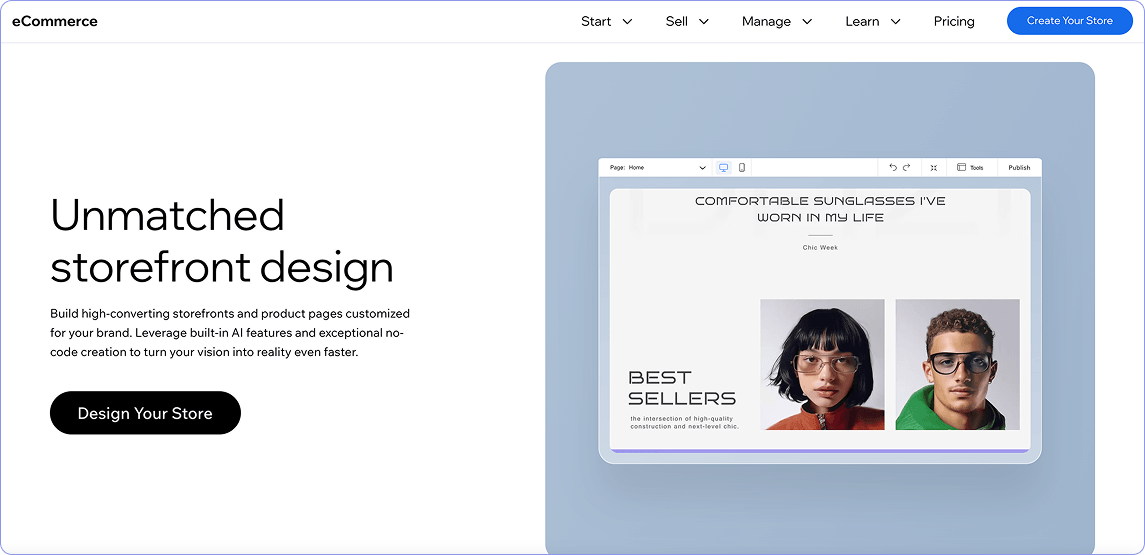
Before you install any other ecommerce Wix app, you need the foundations of a webstore on your Wix site: Wix Stores. Wix Stores is a free Wix-made app that turns a regular Wix site into a working shop: product pages with variants, a shopping cart and checkout, inventory tracking, order management, shipping labels, and payment acceptance through credit cards, PayPal, Apple Pay, and Buy Now Pay Later. It also sends automatic abandoned-cart emails and lets you offer coupons.
Installing Wix Stores is free, but to actually sell and receive payments you'll need to subscribe to Wix's Core plan (or higher), which costs about $29 a month when billed annually. For most small and growing stores, the Core plan plus the right apps covers what you need. The free and Light Wix subscription plans don't support any ecommerce functionality, so a Wix Stores subscription will be the first real cost of running an ecommerce business on Wix.
2. ExportYourStore: Multichannel Crosslisting & Inventory Sync
Selling only on a Wix site means running a standalone webstore, so customers must find your site directly in order to buy from you. The drawback is obvious – your visibility is limited by your SEO capabilities or paid advertising, and your pool of buyers is limited to those who are interested in shopping on webstores rather than on established ecommerce marketplaces.
To remedy this, sellers will often crosslist their products from Wix to marketplaces where shoppers are already searching, and where they already feel confident buying. Wix Stores has some crosslisting capabilities, with native connections to eBay, Amazon, Facebook, Instagram, TikTok, Google, and Pinterest. Wix Stores doesn't allow you to crosslist to other major marketplaces, including Etsy and Walmart, or to resale and niche marketplaces like Mercari, Poshmark, Depop, Whatnot, and others.
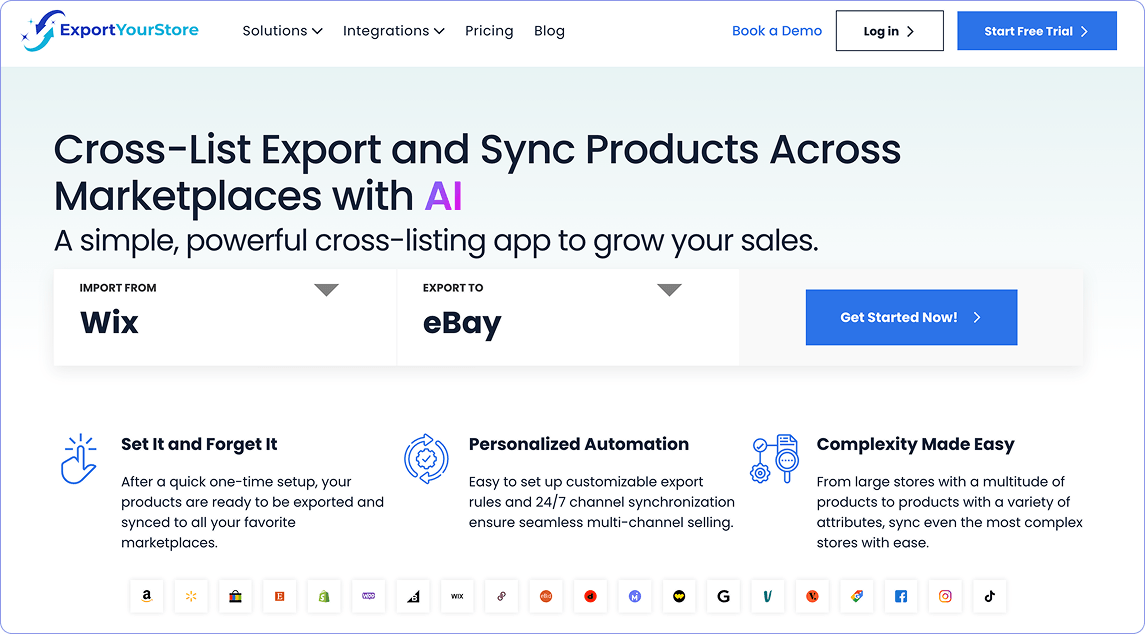
ExportYourStore's Wix app allows you to integrate your Wix store with many more sales channels, including both niche and popular marketplaces. Its crosslisting integrations for Wix include Vestiaire Collective, Mercari, Poshmark, Depop, Grailed, and Whatnot, alongside major marketplaces like Walmart, eBay, Amazon, and Etsy.
In addition to its crosslisting capabilities, ExportYourStore also keeps inventory synced across every connected channel automatically. So if you've crosslisted a pair of sneakers from Wix to Poshmark and Mercari, and they end up selling on Poshmark, ExportYourStore adjusts the stock on Wix and Mercari so they aren't available for sale on other channels when they're no longer in stock.
In our experience working with sellers who crosslist from their webstore to additional channels, the resale and niche marketplaces are often where unique or secondhand stock moves fastest, while the larger channels like Google Shopping and Walmart are ideal for selling commercial goods. Where you choose to crosslist will depend on what you sell, where you're located, and what kind of selling experience you're after.

3. Omnisend: Email & SMS Marketing
The importance of marketing in ecommerce growth cannot be overstated. It is one of the biggest drivers of growth for online businesses, and is non-negotiable for businesses who want to succeed. Unfortunately, sellers on Wix quickly learn that Wix's built-in email tool offers limited marketing capabilities and even more limited automation, and typically find themselves looking for an alternative sooner rather than later.
Our pick for expanding on Wix's limited capabilities to upgrade your marketing game is Omnisend, an email and SMS marketing Wix app built specifically for ecommerce. It comes with ready-made workflows for messages that recover and repeat sales, like cart abandonment, welcome series, and post-purchase follow-ups, plus a drag-and-drop editor and 250+ email templates.
The free plan covers up to 250 contacts and 500 emails a month, which allows sellers to test the app out on a small list before committing to a paid plan. Paid subscriptions start at $16 a month for higher sending limits, and grow with your business as you scale. Omnisend gives you the tools you need to create an effective SMS and email marketing strategy, and automates the customer messages you'd otherwise have to send out by hand.
4. POWR: Popups, Forms & Lead Capture
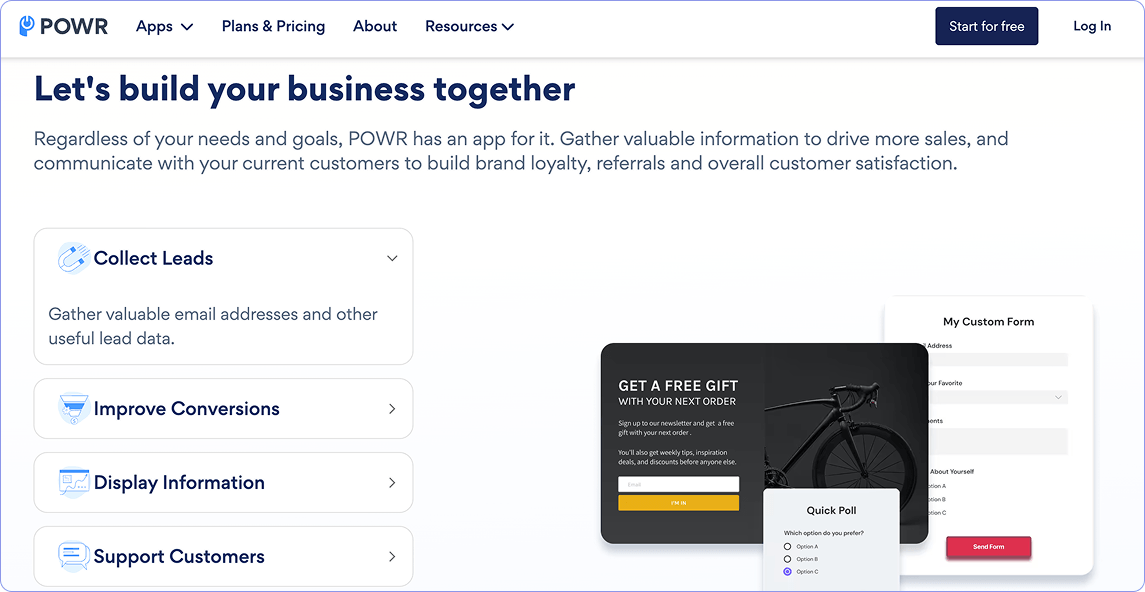
Plenty of shoppers visit a store, browse, and leave without buying or leaving any way to reach them again. The solution to this common problem is a lead capture tool, and our pick for best lead capture Wix app is POWR. More than just a single tool, POWR offers a suite of more than 60 Wix site features that include lead capture tools like popups, forms, and other tools that are built to catch visitors before they leave. POWR's lead capture tools allow you to target a specific visitor by displaying a discount popup, an email signup, and an exit-intent message that appears when they move to close the tab, for example, and you can even set rules for how often these show to the same person.
POWR offers a free starter tier, and paid plans scale up from there depending on the app and how many submissions you need. While the payoff isn't always immediate, remember that an email or phone number captured today is someone you can market to later through a tool like Omnisend, instead of a visitor you never hear from again.
5. Modalyst: Dropshipping & Product Sourcing
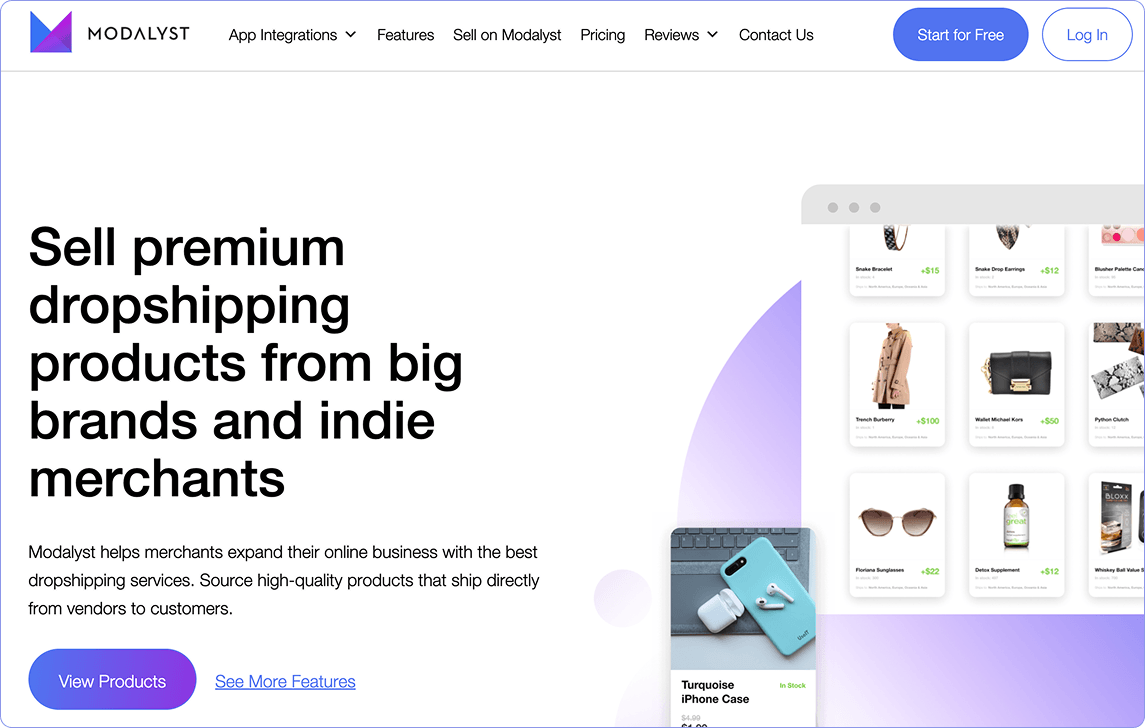
Dropshipping is a common approach in ecommerce because it allows sellers to list and sell products without having to buy and store inventory in advance. Modalyst is a Wix-owned app built specifically for dropshipping on Wix stores, and is our pick for the best dropshipping Wix app. Modalyst connects your Wix store to suppliers across the US, EU, and beyond, and offers a direct AliExpress integration. This allows you to add items like apparel, jewelry, and home goods to your store, and have the supplier ship items out to the buyer directly as soon as an order comes in.
Modalyst is free to install, and offers a free tier that caps how many products you can list before you have to upgrade. It syncs inventory and pricing automatically and routes orders to suppliers for you, allowing you to offer a wide range of products or test new inventory without the cost and risk of buying stock in advance. The drawback of a dropshipping model is its thinner margins and reduced control over shipping speed in comparison to sourcing and selling your own inventory, making it less suitable for some sellers and certain selling niches.
6. Wix Reviews: Product Ratings & Social Proof
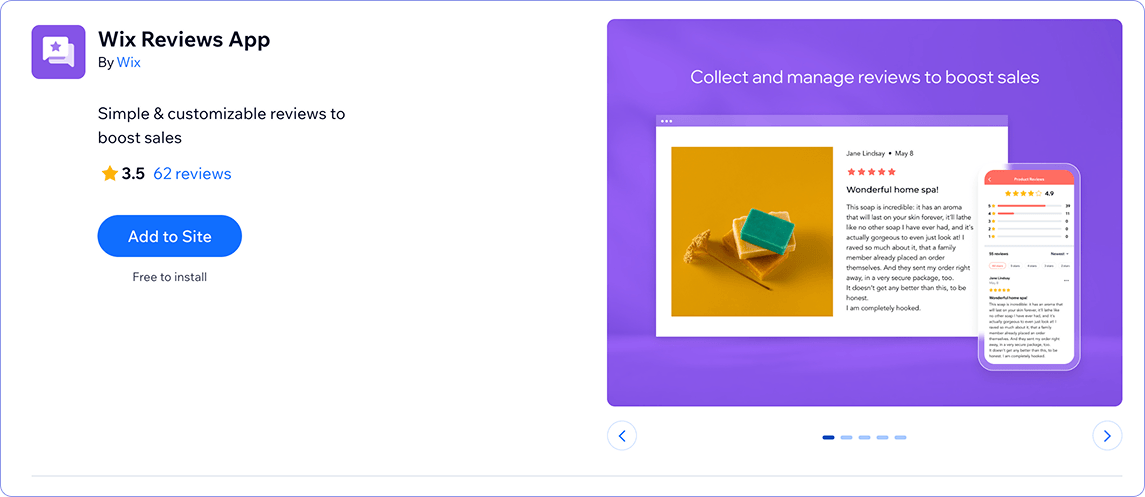
A new visitor has no reason to trust a product they've never bought, and a product page without reviews doesn't exactly inspire confidence. To remedy this, we recommend Wix Reviews, a free Wix-made app that lets customers leave star ratings and written reviews directly on your site. It offers more than just text or star reviews, allowing buyers to add photos and videos to their ratings, which appear directly on the product page. To help you get reviews, the app can automatically send review request emails after an order. It can also moderate what gets published, reply to reviews, and even import reviews you collected elsewhere, such as on Amazon.
7. Rabbit SEO: Traffic & Search Rankings
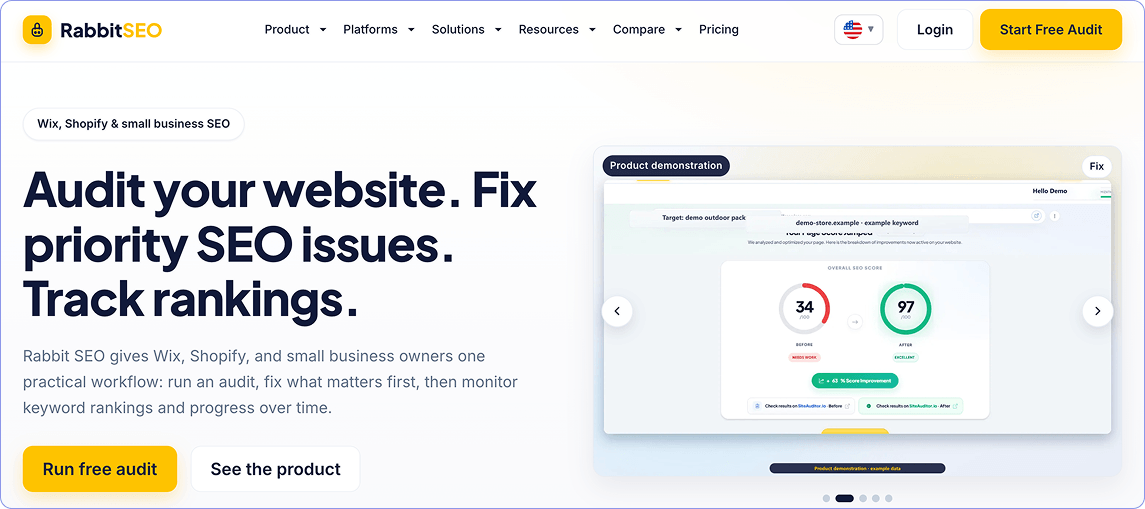
Building a great Wix store is important, but it does nothing for sales if no one ever finds it in search. For that, you need the right tools and strategies to build your Wix site's SEO. There are two approaches to SEO – hiring an SEO specialist, or optimizing your site by yourself. If you opt for the latter, Rabbit SEO is a great way to ensure you're optimizing effectively. Rabbit SEO handles the bulk of SEO tasks automatically: it scans pages and suggests improved meta titles and descriptions, generates schema markup, tracks where keywords rank, watches what competitors rank for, and helps build and monitor backlinks, with daily emails on ranking changes.
It has a free plan to start, with paid tiers running up to around $200 a month for the fuller automation and backlink features. For a seller who doesn't want to learn SEO from scratch or depend on an external SEO specialist, Rabbit SEO is a powerful tool for both auditing and improving SEO.
How to Choose the Right Wix Apps for Your Store
With hundreds of apps available on the Wix app marketplace, plus many more off-marketplace apps, it can be difficult to know which apps are worth adding to your Wix site. Luckily, a few simple habits make the decision much easier, and help you avoid unnecessary apps that waste time and clutter your dashboard.
First, remember that every app must fulfill a selling goal, not just offer you a way to implement a shiny new feature. The difference is subtle, but it's easy to see when you force yourself to determine what selling goal you want to achieve before choosing an app. For example, if your current selling problem is too few repeat buyers, you need a way to get in touch with buyers who've already purchased from you in the past and encourage them to buy from your store again. Therefore, an email and SMS app is the answer. If the problem is shoppers not finding the store to buy in the first place, you need an SEO app instead. Naming the selling goal first stops you from installing apps that offer features that aren't actually useful for improving your selling reality.
Secondly, make a habit of checking that an app is actively maintained before you install it. Look at when it was last updated and what recent reviews say to ensure that the app is still getting regular updates and provides real support to users. If it's been a while since an app received an update and there's no communication with users, chances are that the app will soon fall behind on critical updates, inevitably becoming unusable in the future and leaving you without a feature you've already grown to depend on.
Finally, watch out for feature overlap before adding an app to your Wix site. Two apps that both capture leads or both manage reviews mean double the cost, double the upkeep, and, more often than not, conflicts between them. If you already have an app that does its job well, there's no need to add another app with overlapping features. If what you have isn't getting the job done, your best course of action is to replace it, not supplement it with another app that does the same thing.
Frequently Asked Questions
Q: Is Wix good for ecommerce?
Yes, Wix is a great choice for ecommerce, particularly for small and mid-sized stores. Wix Stores gives you product pages, checkout, and order management out of the box, and to sell and accept payments you'll need to subscribe to a paid tier. Those start at just $29/mo on annual billing plans, making Wix a competitive shopping cart solution for those looking to launch an ecommerce webstore.
Q: Are there free Wix apps worth using for an online store?
Yes, there are plenty of free Wix apps that are helpful for Wix-hosted online stores. For starters, both Wix Stores and Wix Reviews are free to install, and apps like Omnisend and Rabbit SEO offer free tiers you can start on, while apps like ExportYourStore offer a free trial period. These free plans usually offer limited functionality or cap usage by things like monthly emails or product counts, so you'll eventually need to upgrade to paid versions.
Q: How many apps should I install on my Wix store?
Since every Wix store and selling situation is different, there is no set number or specific recommended apps to install. Instead of focusing on a number of apps to install, focus on installing apps that do a specific job, solve a problem, or move you towards a specific selling goal. A curated selection of apps that cover your business's specific needs will serve you better than a dozen apps with overlapping features.
Q: Will adding apps slow down my Wix site?
While it's possible that too many apps will slow your Wix site down, it's easy to remedy this by choosing apps that are regularly updated and only downloading apps that fulfill a clear selling goal.
Each app you add to your store adds extra code, so installing ones you don't use can harm page speed, which affects your customer's shopping experience and your store's search rankings. Sticking to well-built apps you actually need and removing any you've stopped using will minimize the impact of apps on the speed of your store, and will ensure that the added code is a worthwhile tradeoff for improved store performance.
Q: Where do I find and install Wix apps?
You have two options for installing Wix apps: you can install apps from the Wix App Market, or you can get them directly from the developers who make them. The App Market is the built-in catalog of both Wix-made and third-party apps, and anything you add from it installs straight into your account. Some developers also offer their tools outside the App Market, so if a tool you want isn't listed there, it's worth checking whether the provider offers it directly.


%20(1).svg)


.png)
.png)


.svg)