
ExportYourStore makes it easy to link your Whatnot and Squarespace accounts, and even easier to sync and manage all of your products. With our powerful marketplace integration app, you can create custom automation rules to control exactly how your products import into your Squarespace store, adjust pricing, designate a source store to act as your center of command, and so much more. Connecting your Whatnot store to Squarespace has never been easier, faster, or more efficient!

.gif)

.png)
With ExportYourStore, syncing products from Whatnot to Squarespace is simple and straightforward. After completing a one-time setup of your Whatnot source store, integrating with Squarespace is just a click away. You'll be able to cross-list your products from Whatnot to Squarespace, link and sync your inventory, and even create custom import rules to determine exactly how products appear on Squarespace. Plus, once you've integrated your Whatnot and Squarespace accounts, you'll have access to an informative integrated dashboard, complete with key stats and info about all your linked accounts. Streamlined cross-listing, custom rules, and one-click export - everything you need for simplified and streamlined multichannel selling.


ExportYourStore is the best marketplace integration app to export your listings from Whatnot into Squarespace because it makes the process of linking your accounts, importing products, and syncing inventory between platforms simple and intuitive. Our intelligent system can handle every aspect of connecting Whatnot to Squarespace - from inventory synchronization to marketplace listing optimization - with just a few simple clicks. Additionally, our smart dashboard will show you a variety of stats and data across your selling channels, so that you can keep tabs on how well each marketplace, item, or category is performing. ExportYourStore makes it easier than ever to migrate your Whatnot store to Squarespace, seamlessly synchronize and manage your inventory across platforms, and reach new customers where they prefer to shop.
%20(1).png)


.png)
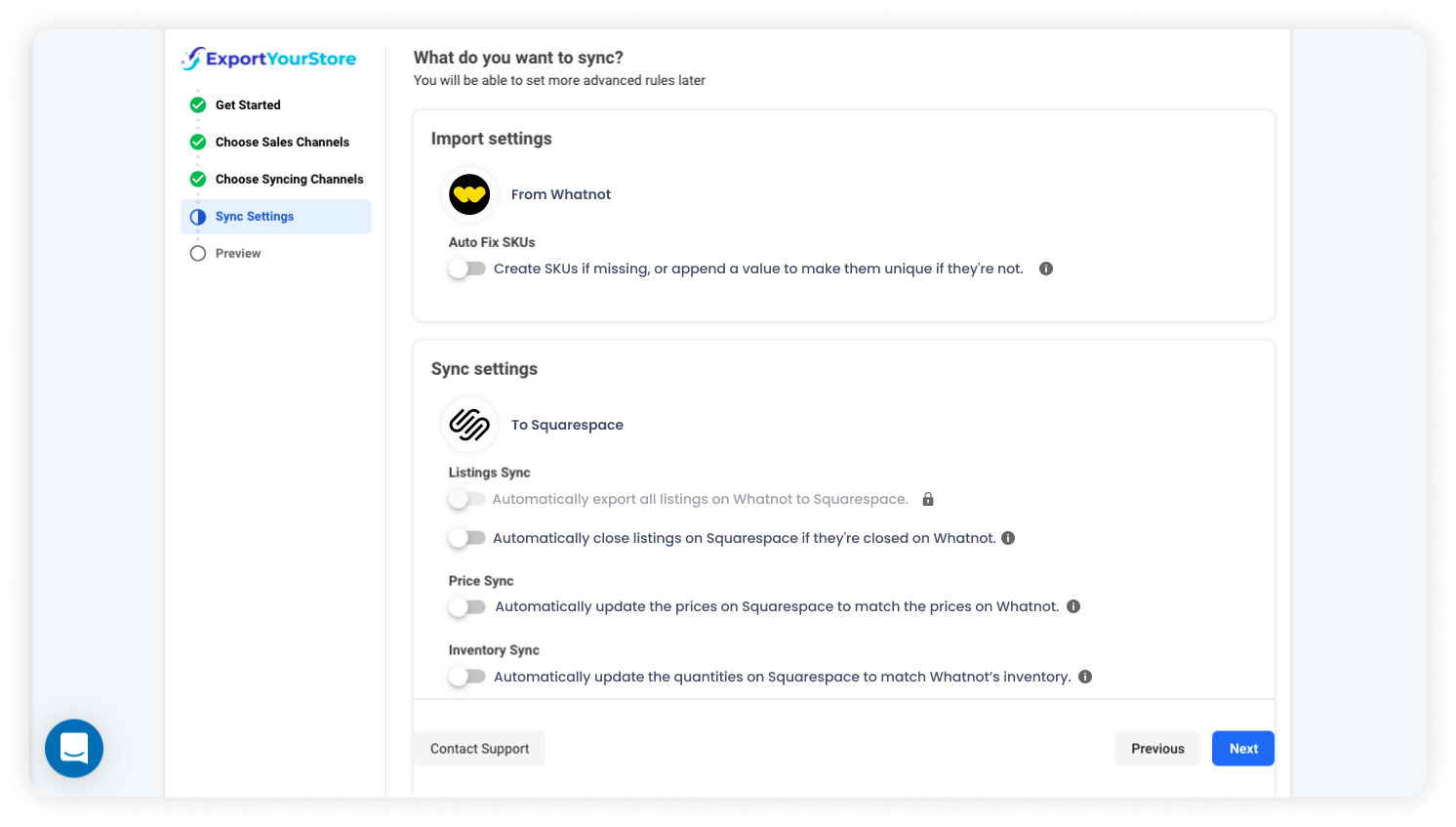
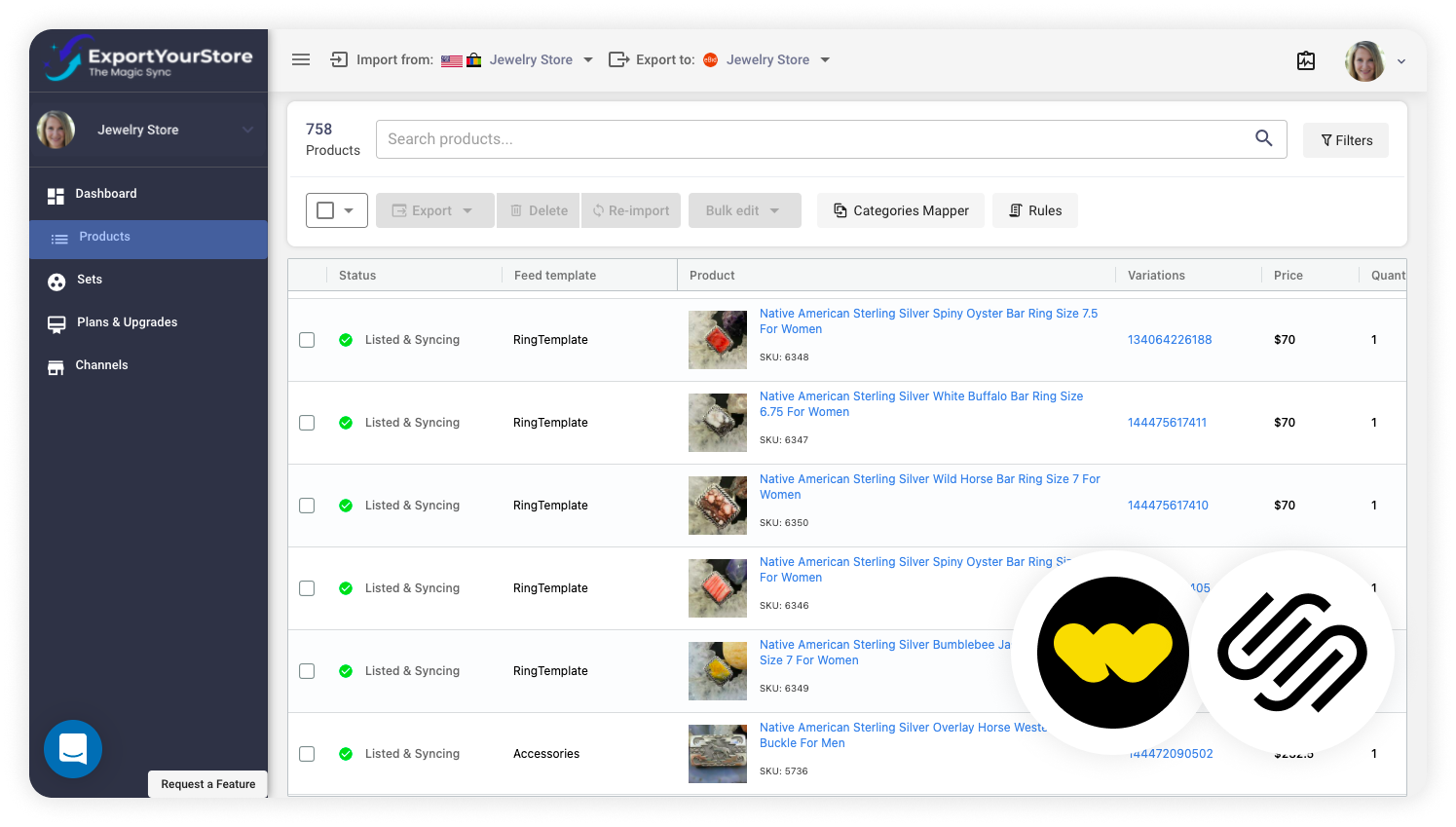
Once you've defined your Whatnot source store and set up any auto customization rules, you'll be able to export all your products to Squarespace with nothing more than a single click! Prefer to pick and choose which products to cross-list? ExportYourStore enables you to define custom product sets to select for export, allows you to create rules to choose which products are cross-listed based on a variety of parameters, or to manually select which items you want to integrate, so you're always in control. To export your selected products from Whatnot to Squarespace, simply click "Export," and your products will immediately begin cross-listing to Squarespace, with any customizations you've defined applied automatically.
ExportYourStore does more than just connect Whatnot to Squarespace; it fully integrates between your two stores with real-time cross-channel quantity, product, and pricing synchronization. Our app automatically handles quantity and product integration 24/7, so you'll never have to worry about overselling. And with full support for automatically implemented pricing rules for each channel, you won't need to worry about pricing errors either.


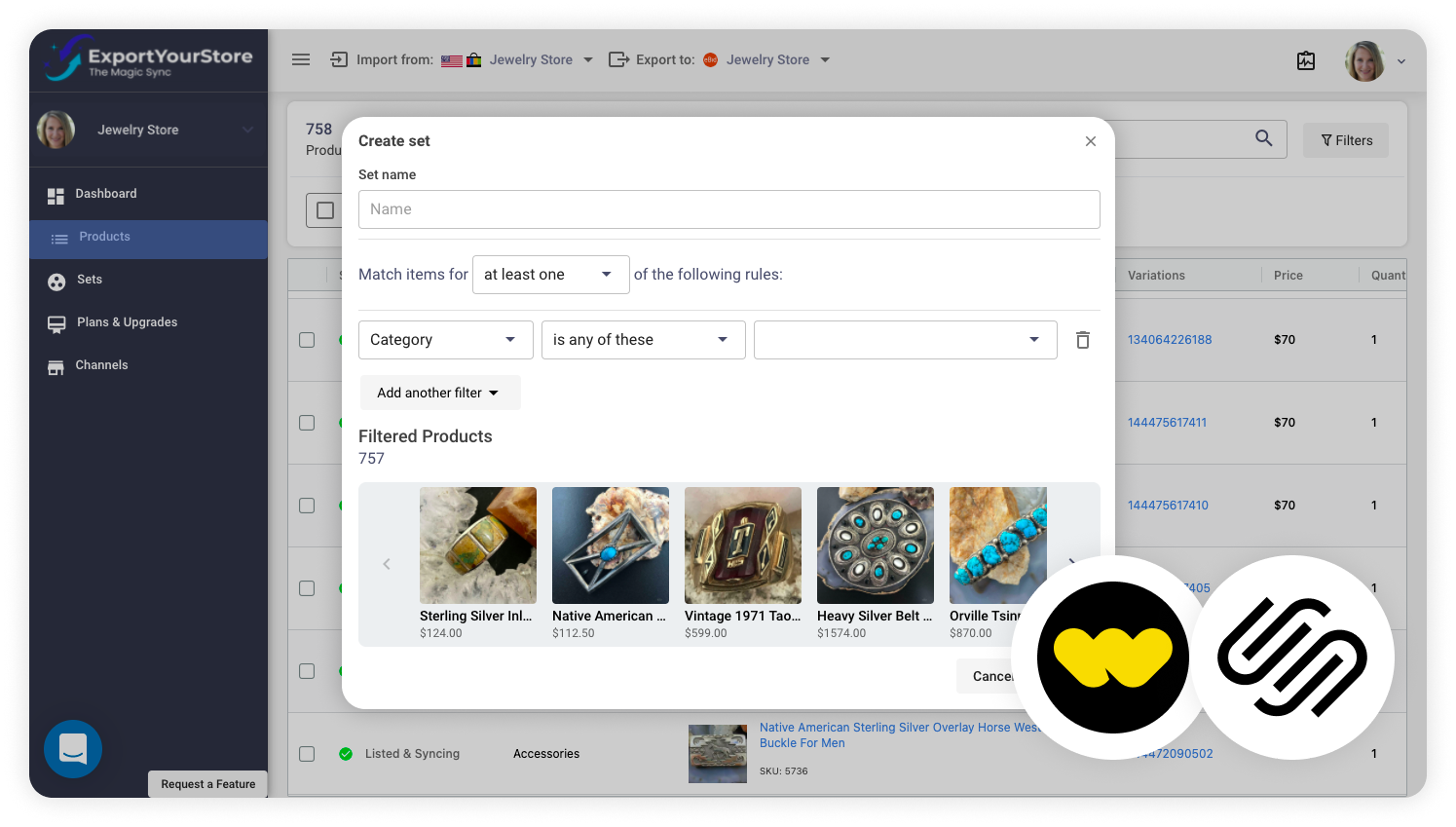
Ensure that your Whatnot products get the best possible start on Squarespace with fully customizable, automatically-implemented optimization rules. Define custom rules to tweak product attributes, create custom product mappings, define quantity limits, adjust pricing, and even automatically choose which products to export from Whatnot to Squarespace, completely hands-off and worry-free.


ExportYourStore enables you to select products and arrange them into custom product sets to help you more easily groups and manage products. You'll be able to create product sets from your Whatnot products, then apply rules to these sets when exporting them to Squarespace. Use these rules to adjust pricing, customize product dimension units, modify titles, change item condition, and much more.
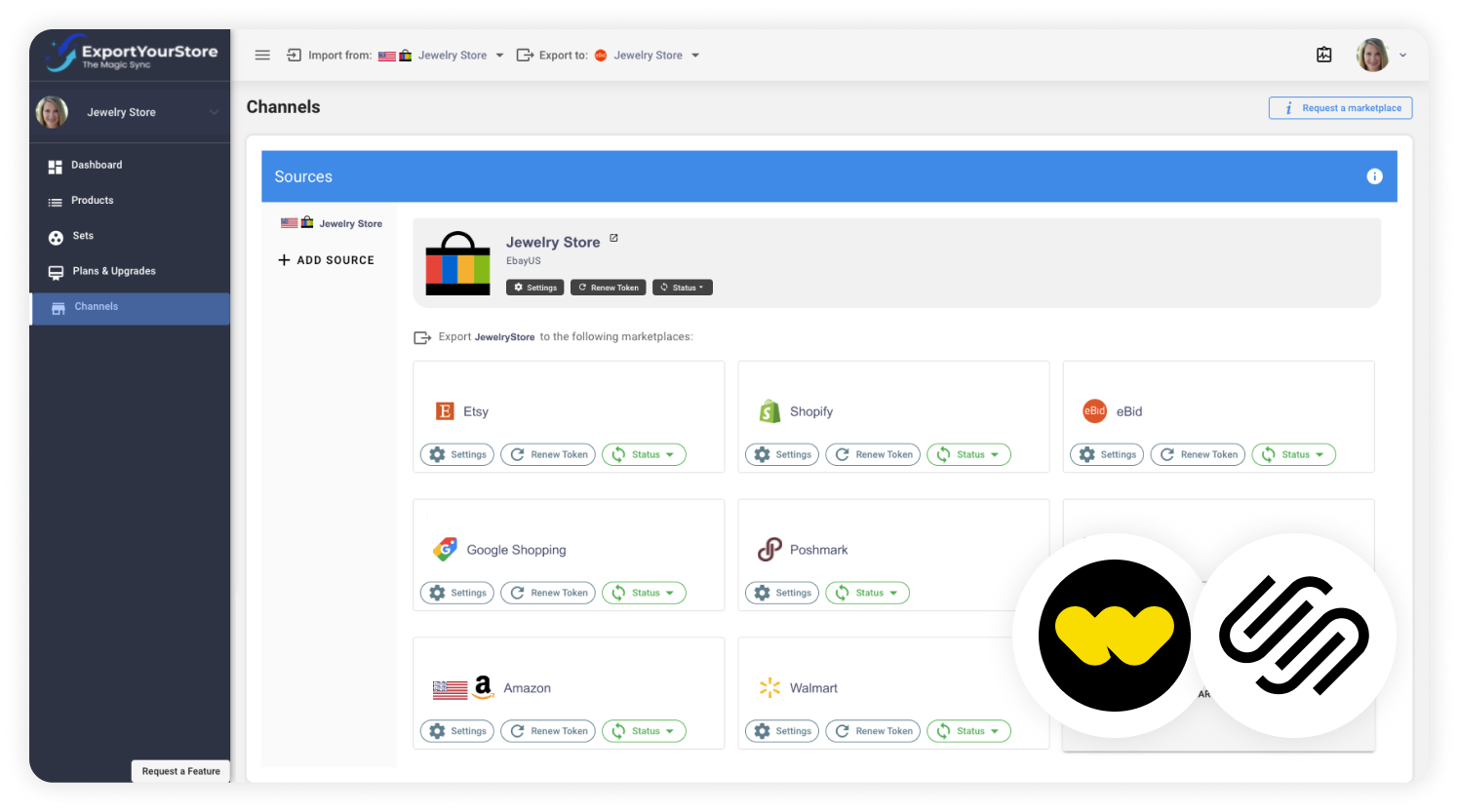
Unleash your Whatnot store's potential and discover the power of multichannel commerce with ExportYourStore. Your Whatnot store can become much more than a single selling channel - it can become the operations hub of your multichannel ecommerce business and integrate with an unlimited number of stores on over 10 ecommerce platforms. You'll be able to manage everything from your source Whatnot store, and ExportYourStore will take care of the rest.
ExportYourStore is not only a way to migrate your Whatnot store to Squarespace; it is also a complete online store integration solution. With ExportYourStore, you have a wide selection of customizable rules, powerful automations, 24/7 quantity monitoring, and an informative integrated dashboard, to ensure that managing all your stores is as easy as managing your source Whatnot store. Migrate your listings and manage your online business with ExportYourStore, the complete solution for Whatnot to Squarespace integration.


.png)
ExportYourStore is more than just a listing migration tool - it is a powerful and intelligent listing management solution. In contrast to other listing management apps available today, ExportYourStore is designed with you in mind. With our app, you can continue managing your online business in a way that is familiar to you: from your Whatnot store. You'll be able to list new items, adjust inventory quantity, and so much more from your source Whatnot store, and we'll take care to update your linked Squarespace store automatically. ExportYourStore also allows you to link as many accounts as you want to your Whatnot store, with an unlimited number of listings and products!
Whenever you make a change on your Whatnot store, ExportYourStore will automatically update your linked Squarespace account, so you won't need to take any action. Whether you're creating new products, making changes to product attributes, or adjusting inventory on your Whatnot store, ExportYourStore will update your linked Squarespace store with the changes. This automatic process takes no more than 2 hours, but you'll be able to enact manual changes to your linked Squarespace store via the dashboard too.
Whenever an order is placed for an item on Whatnot, ExportYourStore will automatically adjust stock levels on Squarespace to reflect the change, and vice versa. This process takes 2 hours or less to complete.
Once you've linked your Whatnot account to ExportYourStore through a simple initial setup, you'll be able to choose which items you'd like to import from Whatnot to Squarespace through our app's friendly interface. You can either manually select products you want to export, or create custom rules for automatic exporting based on various criteria such as price range, quantity available in stock, etc. You'll also have access to our auto-sync function, which enables automatic import and listing of new items from your Whatnot store on your linked Squarespace store(s) with a click of the “Auto-List” button.





.svg)


